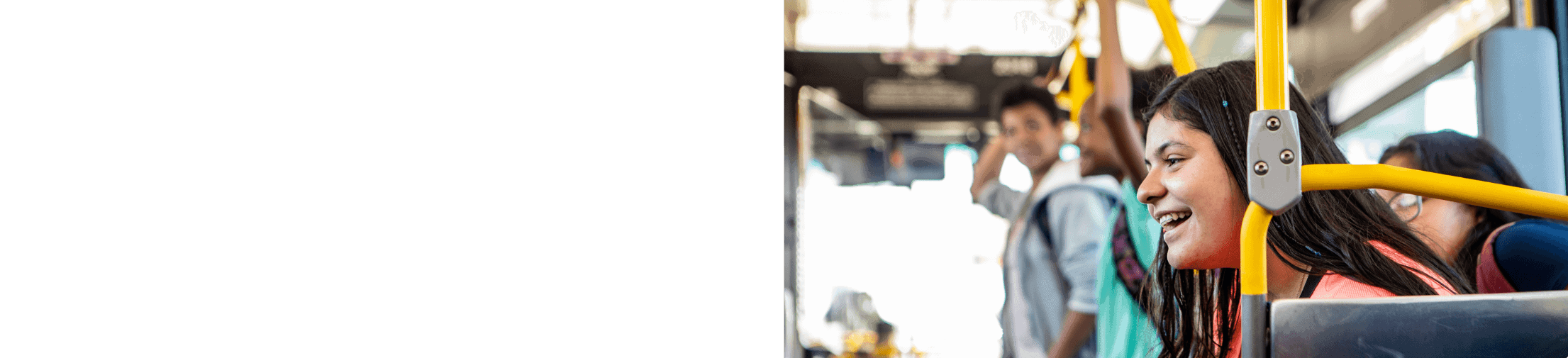
Riding Omnitrans is easy.
Whether you are a first time or frequent rider, we are dedicated to making your travel easy, safe, and enjoyable. The following information guides you through the basic steps of riding, from planning your trip to exiting the bus at your destination, and includes helpful instructional videos.
Code of Conduct
The Omnitrans Code of Conduct helps maintain and operate a safe, efficient, and effective public transit system for the safety and comfort of all persons who interact with Omnitrans public transit services. This policy also governs passenger conduct on Omnitrans property and impacting Omnitrans transit services. Passengers and the public may be refused services or access to facilities as a result of unacceptable conduct as described in the policy.
Planning Ahead
Before you leave home, it’s important to plan your trip and know which Omnitrans route or routes you need to take to get to your destination.
Use one of our tools to plan your trip or get help with trip planning.
Tracking the bus
Track your bus with Transit app
If you have a smartphone or connected mobile device, you can download the free Transit app to plan your trip with step-by-step directions and bus arrival time predictions at your stop.
Track your bus with NextBus
You can also use NextBus to easily check real time bus arrivals. NexTrip signs at all of our bus stops make it easy for passengers to find bus arrival info by voice, text, web, or by simply scanning a QR code.
Boarding the bus
Stand at bus stop
Omnitrans buses only stop at designated Omnitrans bus stops. Stand at the marked bus stop so the driver knows you want to take the bus. It’s a good idea to get there a few minutes early; if you’re late, the bus can’t wait. Once you’re at the bus stop, watch the bus as it approaches and make sure that the number displayed on its head sign (just above the windshield) matches the number of the route you need to take. Wave to the driver to let him or her know that you’d like to board.
Check the route number as you board
Read the route number in the lighted sign above the windshield to make sure you are getting on the correct bus. You can also ask the driver. Enter the bus through front door. If you’re boarding the bus at night, it might be difficult for your driver to see you waiting for the bus. Please try to make yourself more visible by standing at the stop and waving to the approaching bus.
Paying your fare
Pay using farebox or show or show your driver your pass on Transit app
As you board the bus, you will see the metal farebox located next to the driver. If you are paying your fare with cash, put your exact cash fare into the farebox. Drivers cannot make change. You can use dollar bills or coins (with the exception of pennies). If you are paying your fare with an Omnitrans bus pass, swipe your bus pass through the card reader on the farebox. If you are paying your fare with the Transit app, show the driver your pass on your phone. After paying your fare, find a seat. As a courtesy, please reserve the seats at the front for seniors and persons with disabilities.
Exiting the bus
Signal before your stop
When you are ready to get off the bus at your stop, signal the driver ahead of time by pressing the yellow signal tape, which is the rubber strip along the window, or the red stop button on the handrail. As soon as the bus passes the stop before your destination, press the signal tape or the stop button to alert the driver that you will be getting off at the next stop.
Exit the rear door of the bus
Exit the bus from the rear door at the back of the bus, and only step into the stairwell after the bus has stopped. Be sure to move away from the bus once you’ve exited, to give your driver plenty of room to safely re-enter traffic. Don’t forget your belongings.
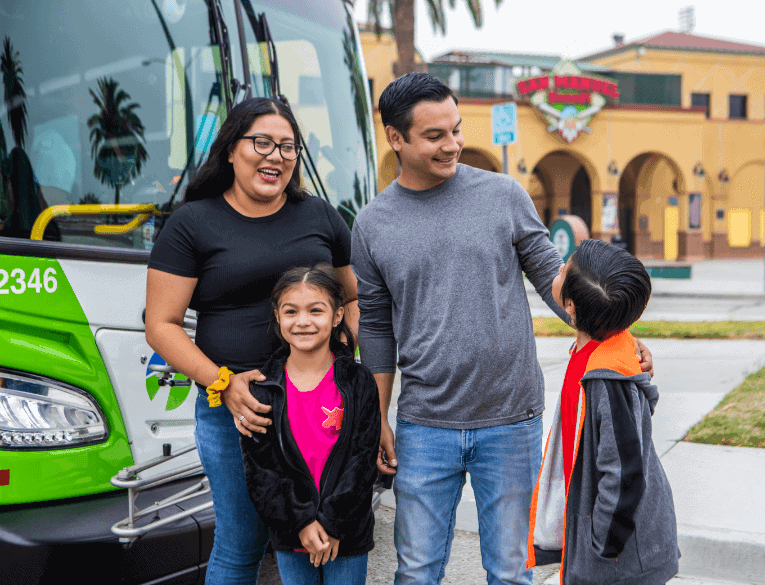
If you have paid a cash fare and need to change buses to complete your trip, or need to travel past the end of the line on a route, you will have to pay another fare when you board the next bus. Another option is to purchase a day pass, which allows you unlimited travel throughout the Omnitrans system for one day. Regular riders can save even more with a 7-day pass or 31-day pass.
Please note that your driver may ask if your animal is a service animal, and what tasks the animal has been trained to perform. You also may be asked to remove your service animal from the bus if 1) the animal’s behavior is out of control, and you do not take effective action to control it; or 2) the animal poses a direct threat to the health or safety of others. Pets may only ride the bus if they are in a secure pet carrier that fits on your lap.
Omnitrans is not responsible items lost or stolen on board or at bus stops, however, if found, Omnitrans makes a reasonable attempt to return items to the rightful owner. You will need to provide a detailed description of the item that was lost, when it was lost, the bus route number, the direction you were traveling, and the time you boarded the bus. Most items are held by Omnitrans for only 10 business days, then discarded or donated to charity.
Rules of the Road
Ride with care
- Let passengers get off before you board.
- Watch your step getting on and off.
- Stand behind the yellow line onboard.
- Use the seat-back hand-holds if you are standing.
- Stay clear of closing doors. Always follow the operator’s instructions.
- Do not lean against the doors.
Keep our buses clean by not eating or drinking onboard
- No eating or drinking allowed on buses, at platforms, shelters, and stations.
- No smoking allowed on buses, at platforms, shelters, and stations.
- Do not litter on buses, at platforms, shelters, and stations.
Stay healthy and safe
- Wear a mask while onboard the bus.
- Stay 6 feet apart and leave empty seats between you and others when possible.
- Use the hand sanitizer when boarding the bus.
- Do not ride the bus if you are sick.
One Seat Per Customer Please
- Please be considerate of other passengers – limit your shopping bags to what you can hold on your lap or fits directly in front of your seat on the floor. We’re sorry, but bags that block the aisle or interfere with the comfort of other passengers (such as oversized or leaking bags) won’t be allowed on the bus.
Be courteous, especially to seniors and those with disabilities
- Seats next to the door are reserved for seniors and riders with disabilities.
- Please give your seat to someone who needs it more than you do.
- Do not engage in horseplay or disruptive behavior.
- Do not talk to the operator when the bus is moving.
Be careful when riding with children
- Hold a small child’s hand at all times.
- Make sure your child gets on and off the bus with you. Help each child on and off the bus safely.
- If you have a stroller, take your child out of the stroller, fold the stroller, and if possible, stow the stroller out of the way.
- Make sure that your child has no dangling clothing, untied shoelaces or unbuckled shoes.
- Devise a plan ahead of time with your children on what to do in case you get separated. If you do get separated, call an Omnitrans employee. Field Supervisors, Omnitrans security and bus operators are trained to help you.
- Don’t let a child sit on bus steps or in the aisle.
- Don’t let a child play or run in the station, or on the bus.
Riding Omnitrans buses with a bike
Bring your bike for no extra charge
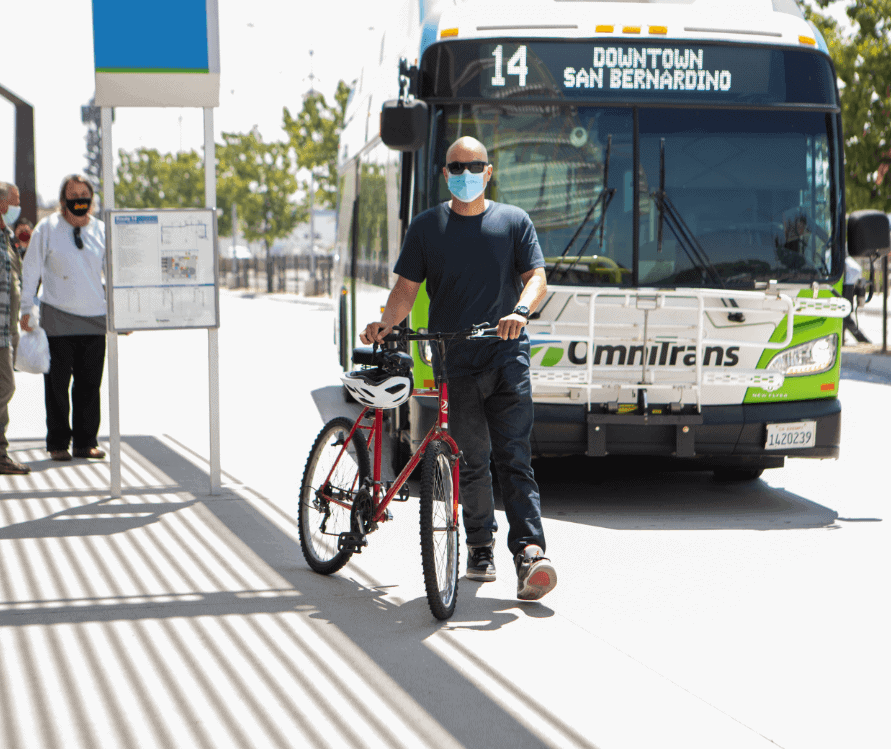
With bike racks available on Omnitrans fixed-route buses and OmniGo buses, you can bring your bike along for the ride and there is no extra charge. Some Omnitrans buses can carry two bikes, and other buses can carry three bikes. Bicycle racks may be used anytime buses are operating. Bikes may be loaded and unloaded at designated stops only. If the rack is full, wait for the next bus.
Bicycles are not allowed inside the bus, with the exception of our sbX rapid transit vehicles. Folded bikes may be brought on board but must be kept out of the aisle. Electric and folding bikes with lithium batteries are allowed on the bike rack, or onboard sbX vehicles. Omnitrans is not responsible for damage incurred or caused by or to bicycles on its Omnitrans bicycle racks.
- The tire size of your bicycle must be at least 20″ in diameter. This excludes most children’s bicycles.
- Children under the age of 14 may use racks only if accompanied by a bus-riding adult (age 18 and over).
- Bikes with child seats, large carriers or other attachments are not allowed if they are considered hazardous or impair visibility.
As the bus approaches have your bike ready to load from the curb side and signal to the driver. Remove any items like knapsacks, water bottles and tire pumps that might fall off, or create a hazard. You may wish to secure your bike to the rack with a lock, however this is not necessary to safely transport your bike.
Always load and unload from the curb side. For safety reasons, the driver is not allowed to help you load or unload your bicycle. You are responsible for properly securing your bike to the rack. The driver will not move the bus until your bike appears to be safely secured with the supporting arm.
- Grab the bar on the front of the bike rack and pull down to unfold it.
- Lift your bike onto the rack, fitting the tires into the wheel slots.
- Pull the support arm out and up over the tire to secure it in place.
Before you get off the bus, tell the driver you want to unload your bicycle.
- Pull the support arm out and down over the tire to release it from the tire. If you have locked your bicycle to the rack, be sure to unlock it now.
- Lift your bike out of the rack and on to the curb. If the rack is empty, fold up the rack to the locked position. Stand clear of the bus.
- Signal to the driver when you are finished unloading your bike.
Riding sbX with a bike
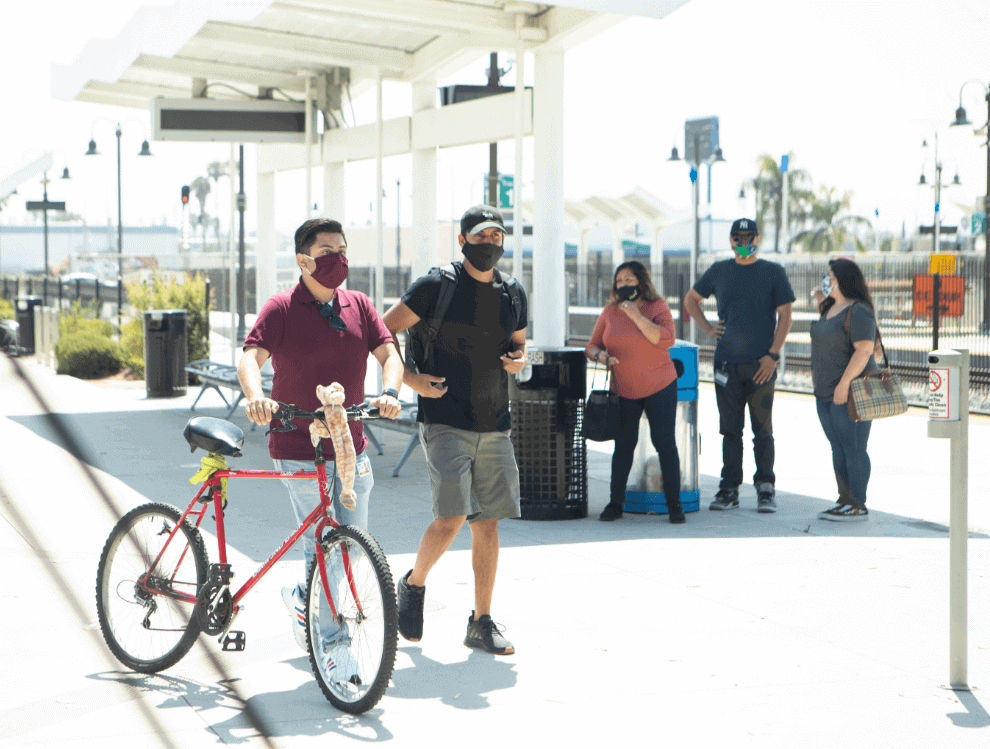
Each sbX vehicle holds up to four bicycles inside. Place bike in racks located in the bike storage area with bike facing the rear of the bus. Wedge the rear tire between the metal bars. Secure bike using the nylon Velcro strap, fastened to the metal railing above racks.
- Board your bike using the door closest to the rear of the vehicle. Look for the symbol on the doors.
- Place bike in racks located inside the bike storage area. Wedge the rear tire between the metal bars.
- Secure bike by pulling the lever bar up and over the rear tire. Attach velcro straps for added support in the center of the bike.