Pay your fare with your phone
You can plan your trip, track your bus, and pay your Omnitrans fare quickly and easily with your smartphone using Transit, the official app of Omnitrans! Purchase passes to use immediately or store them for future rides. It’s simple to use, contactless, and more convenient than cash. Here’s how it works in a few easy steps.
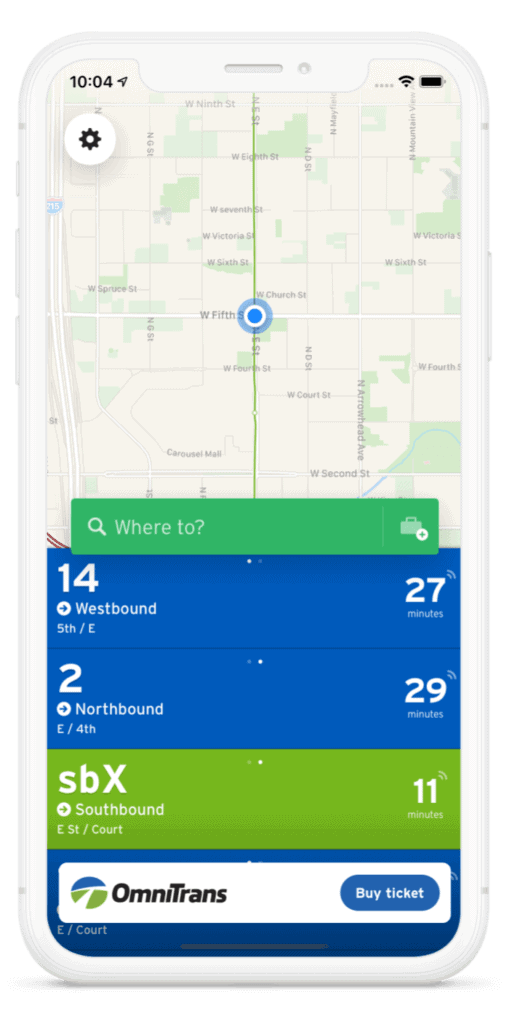
1. Download the free Transit app from the App Store (for iOS devices) or Google Play (for Android devices).
2. Open the app and click the “Buy ticket” button at the bottom of main screen.
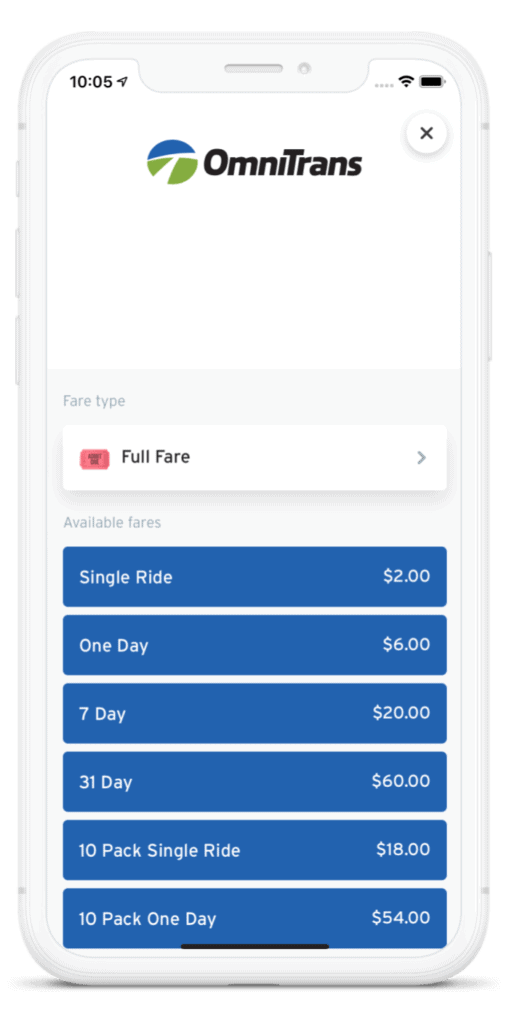
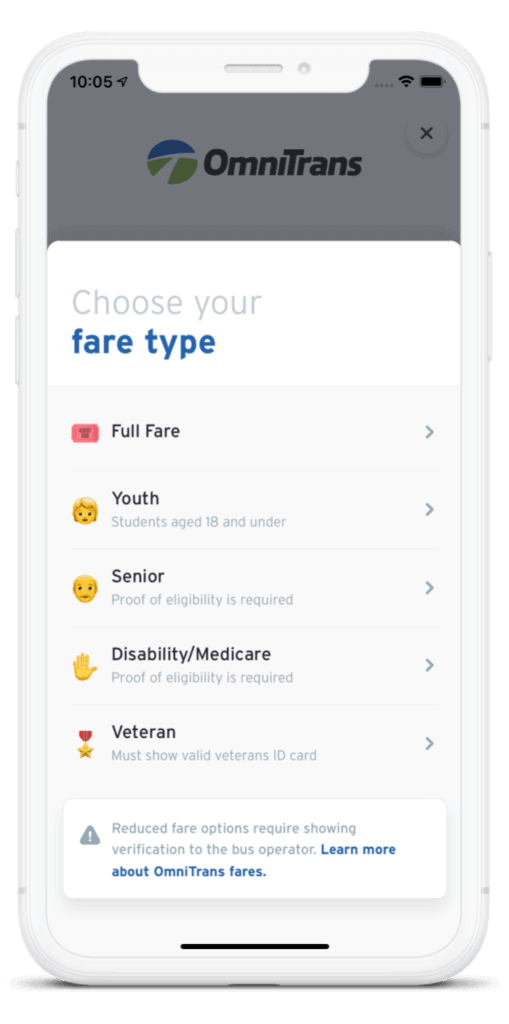
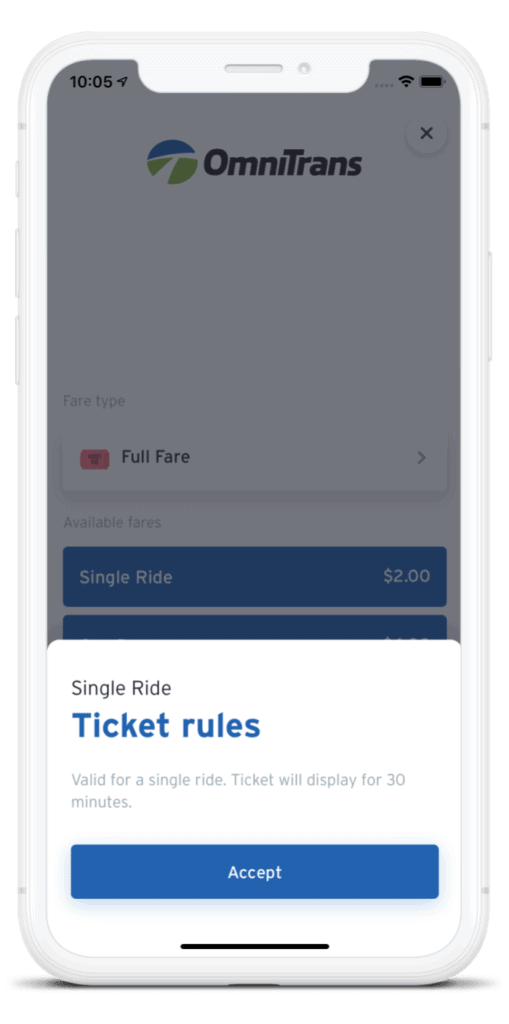
3. Select your traveler type (full fare, youth, senior, disability/medicare, or veteran), then select your fare type from the list. Accept the ticket rules if applicable.
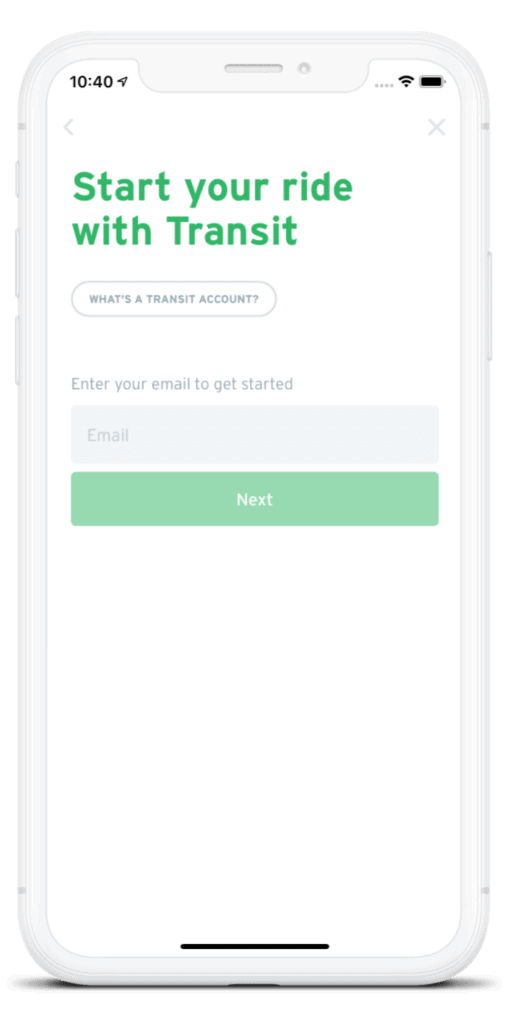
4. Enter your e-mail address and password to log in. If you do not have a Transit account, follow the steps to create an account and enter your debit/credit card payment details.
Note: Even if you have a pre-existing mobile fare account with Token Transit, you will need to create a separate Transit app account.
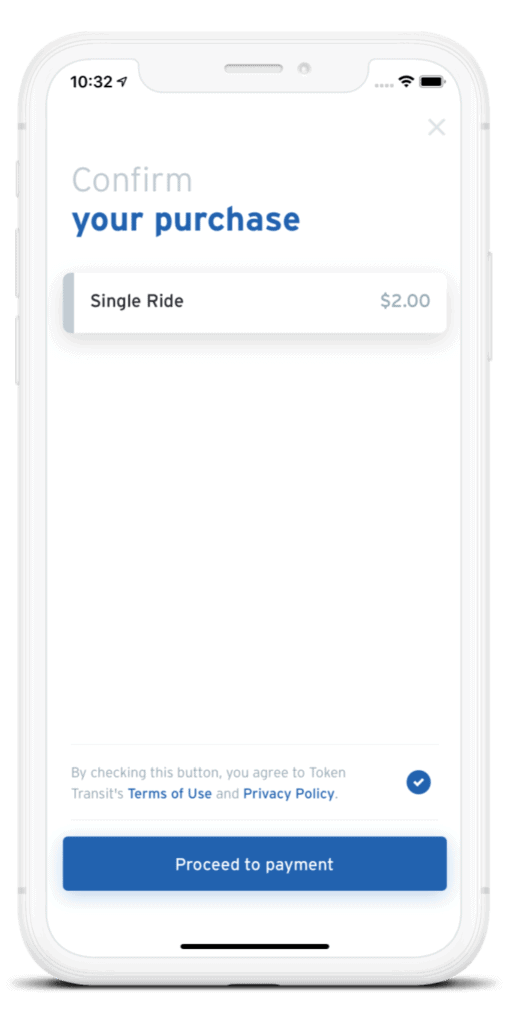
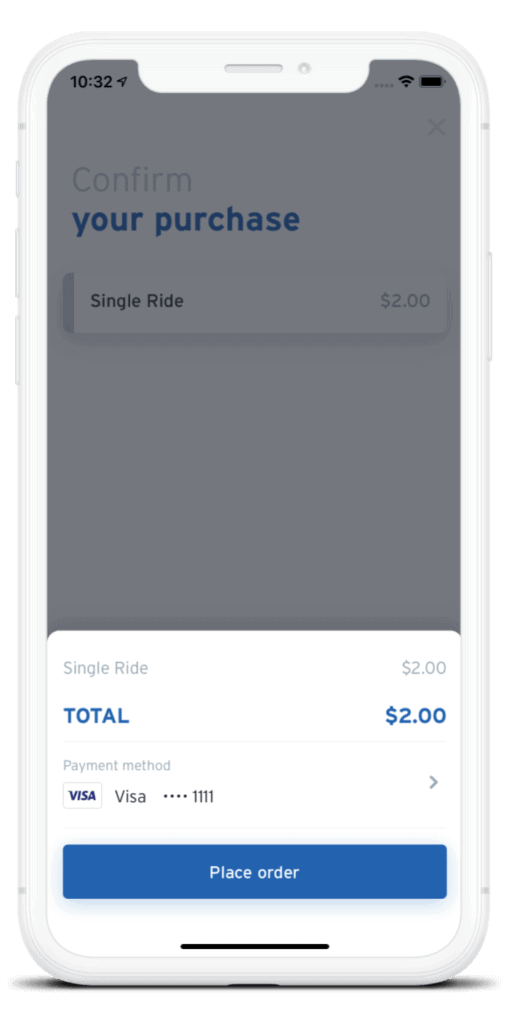
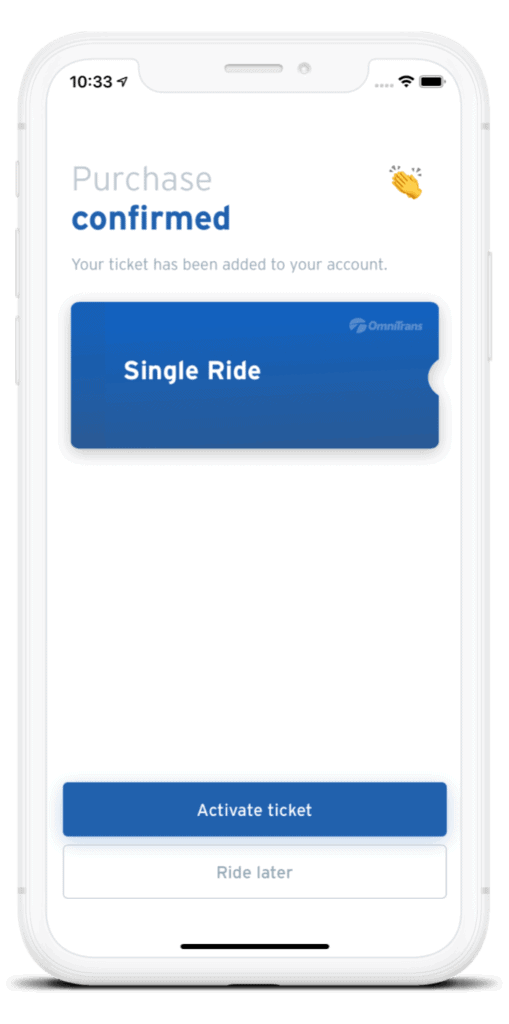
5. Confirm your purchase and proceed to payment. You may activate your pass now or store it for a future ride.
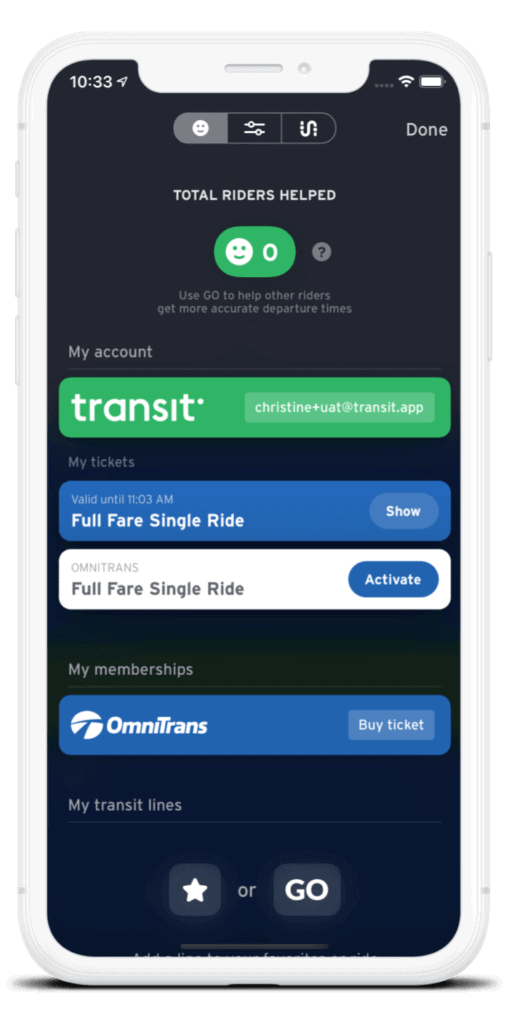
6. Tap the gear icon on the home screen’s top-left corner to use, view, and/or activate your purchased passes, under “My Tickets”.
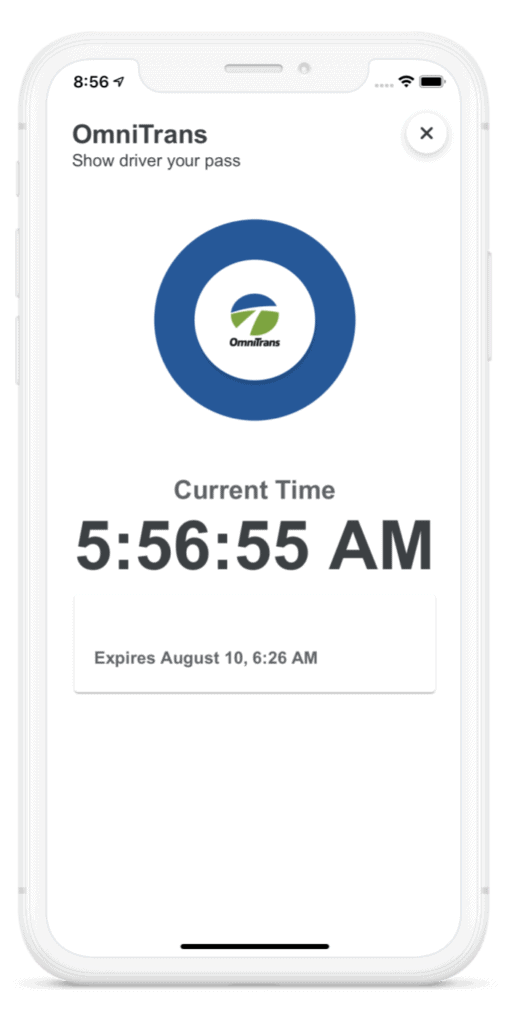
7. To ride, simply show your activated pass to the operator when boarding the bus and enjoy your trip!